


Fpvboss335
Member
-
Joined
-
Last visited
-
Just keep in mind you need approx 80kw more than a turbo6 to run the same time down the quarter
-
Thinking about it
-
-
A couple more questions Dave if you don't mind- How many kw gain is there? Can we have it with no branding so it looks stock? Will the stock internals handle it?
-
Thanks mate
-
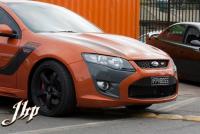
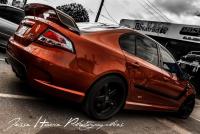
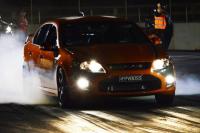
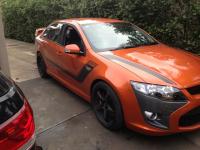
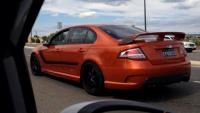
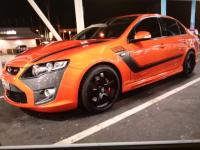
In sunburst Hope that helps
-
??
-
I have a metal mesh filter It doesn't fit to the standard fitment It needs 2 short pieces of e85 hose and then hose clamped together

-
Bruce is definitely the best in adelaide
-
It's been approx 4 months now and my Kpm 1000hp twin pump has lasted in e85 Till now no problem I can honestly say its very good so far When I went to regency for a complete look over after getting defected, they never picked the pump Can you imagine if I had an external system? Would I have passed? I doubt it
-
What's the price for the 2300 supercharger? Can I use my 1900 yella terra snout on that supercharger? Does the supercharger have any writing on it? The reason why I ask because it won't pass regency unless it has harrop written on the side of the 2300 supercharger Will it fit in the same spot the original one sits in?
-
Has anybody broken a nizpro stage 2 input shaft?Nah not sure maybe it's drive shafts It's weird, it feels different I doubt the billet input shaft wentWell done mate





