Skip to content
View in the app

A better way to browse. Learn more.

Ford XR6 Turbo.com

A full-screen app on your home screen with push notifications, badges and more.

To install this app on iOS and iPadOS
  1. Tap the Share icon in Safari
  2. Scroll the menu and tap Add to Home Screen.
  3. Tap Add in the top-right corner.
To install this app on Android
  1. Tap the 3-dot menu (⋮) in the top-right corner of the browser.
  2. Tap Add to Home screen or Install app.
  3. Confirm by tapping Install.

LAZY6

Member
  • Joined

  • Last visited

Everything posted by LAZY6

  1. LAZY6 replied to ZAP's topic in Off-Topic
    Box
  2. LAZY6 replied to ZAP's topic in Off-Topic
    Cheap
  3. That's one tough rig!! ^^^
  4. LAZY6 replied to ZAP's topic in Off-Topic
    Jim Jeffries
  5. LAZY6 replied to ZAP's topic in Off-Topic
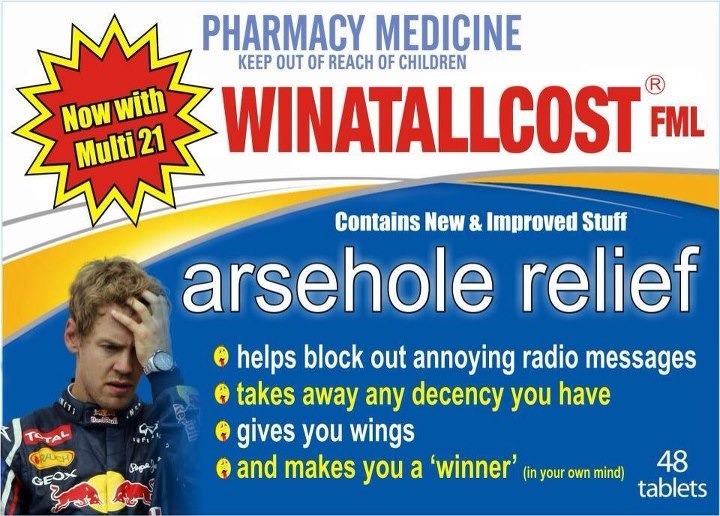
    Vettel the dog
  6. Second one is awesome! Michael keating & jack Nicholson version
  7. The fact that the good people die young, not the jail junkies YouTube search 'Tyrone gilks' Died at the age of 19 practicing for world record long distance jump on a dirt bike
  8. LAZY6 replied to ZAP's topic in Off-Topic
    Chuck Norris
  9. Please fix mr boss man
  10. LAZY6 replied to ZAP's topic in Off-Topic
    Trailer
  11. Looks tough! I love those rims in that color! Does anyone have a Fg in edge with them?
  12. The world
  13. LAZY6 replied to ZAP's topic in Off-Topic
    Smoke
  14. LAZY6 replied to ZAP's topic in Off-Topic
    N/A xr6
  15. Haha it's not even that bad!
  16. I'm a truck driver & from my experience he probably didn't see you with it raining, let alone feel the accident happen. Glad your ok though!
  17. LAZY6 replied to ZAP's topic in Off-Topic
    Formula 1
  18. Paz I can see pics & watch the YouTube links via tapatalk for the iPhone I just have to search each sub folder to find what threads I want to read
  19. Latest version. Yeah it sucks! It was really good when you could scroll through all the threads & pick which ones to read or not
Account

Navigation

Search

Search

Configure browser push notifications

Chrome (Android)
  1. Tap the lock icon next to the address bar.
  2. Tap Permissions → Notifications.
  3. Adjust your preference.
Chrome (Desktop)
  1. Click the padlock icon in the address bar.
  2. Select Site settings.
  3. Find Notifications and adjust your preference.
