LiquidBHK
Member
-
Joined
-
Last visited
-
ICC? Not sure what that means sorry. How are the headlights different, do you mean like xenon? Or actual shape?
-
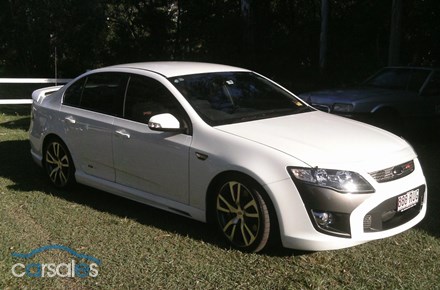
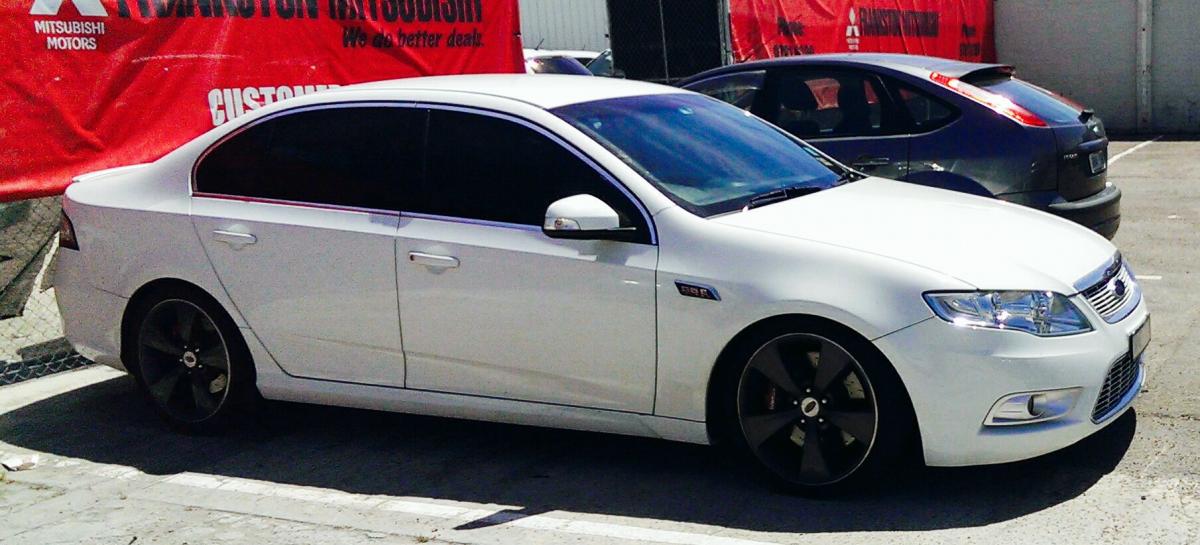
This is really bugging me! Hehe. Is there an actual difference? Surely it can't just be the wheels!! They look so different! http://www.carsales.com.au/private/details/Ford-Performance-Vehicles-F6-2011/SSE-AD-2389411/?Cr=3&sdmvc=1 - FPV F6 2011 FG MK I http://www.carsales.com.au/demo/details/Ford-Performance-Vehicles-F6-2013/AGC-AD-14844462/?Cr=5&sdmvc=1 - FPV F6 2013 FG MK II Also attached photos in case anyone in the future has this question and want to see the two cars when the links break.
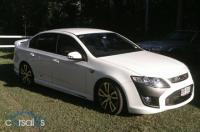
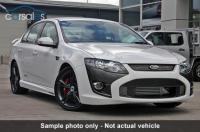
-
-
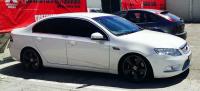
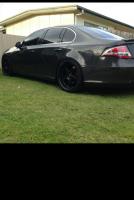
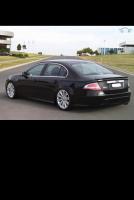
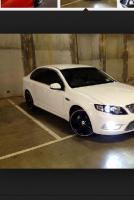
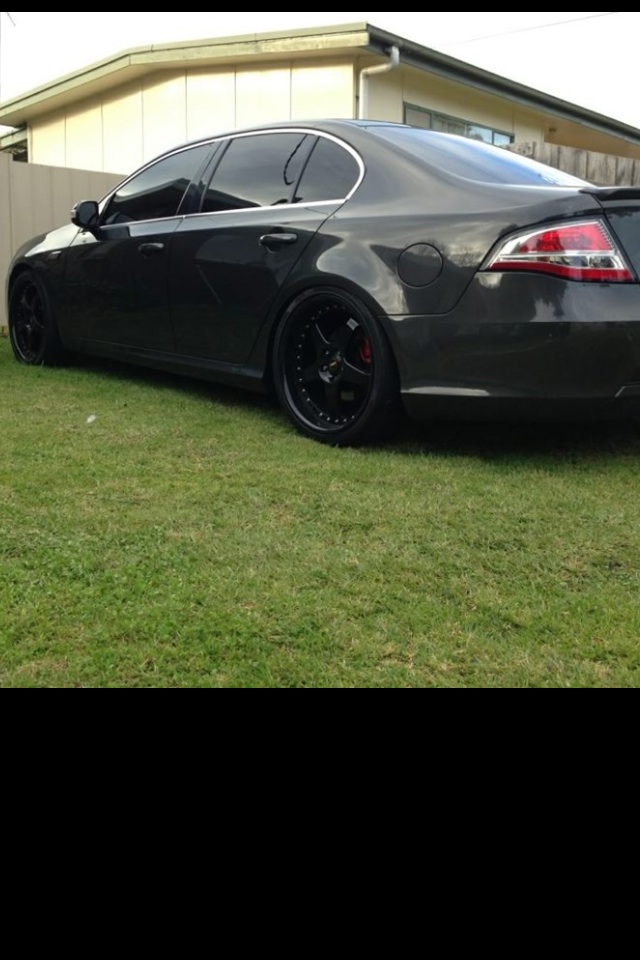
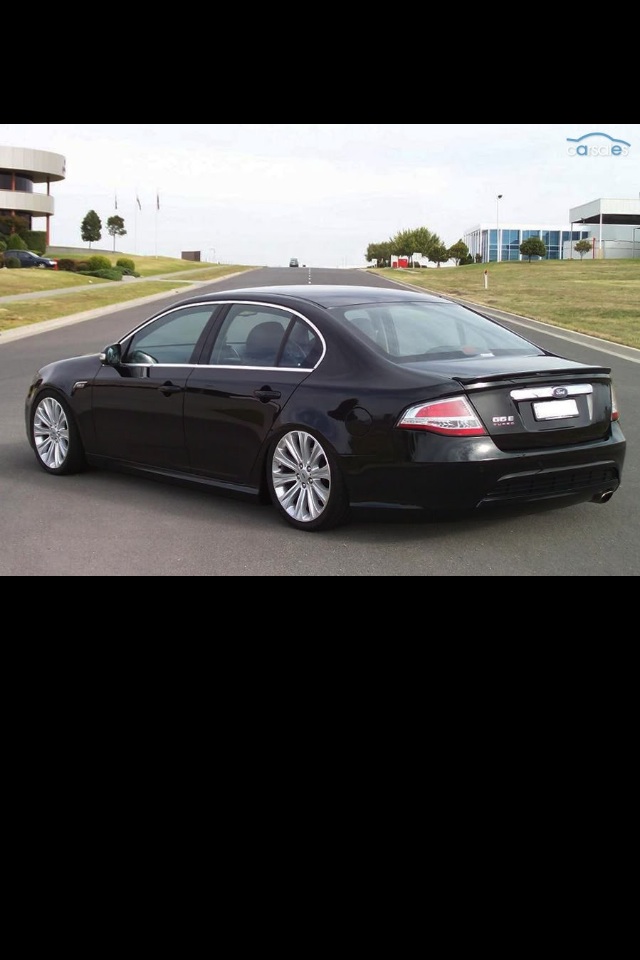
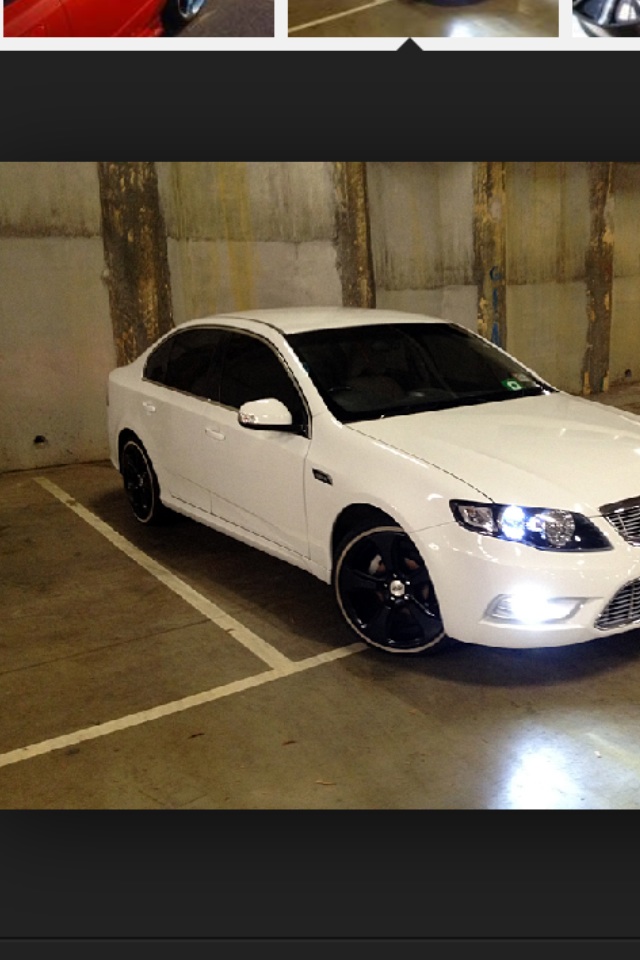
Hey everyone, I have been trolling these forums in search of photos. I am trying to find a g6e or g6et with nice mag wheels. I'm really struggling to find them. I was wondering if anyone can point me in the right direction or maybe link some in here! I prefer silver and white cars, g6e or g6et. I have gone through 200 images in google, so I thought I'd get your help! I attached some photos below to help get this started. Special note, I do not own those photos thus I have avoided number plate identifiers. Just photos I collected from google. P.S. I really hate those default 18's on g6e. But don't mind the 19s.