Skip to content
View in the app

A better way to browse. Learn more.

Ford XR6 Turbo.com

A full-screen app on your home screen with push notifications, badges and more.

To install this app on iOS and iPadOS
  1. Tap the Share icon in Safari
  2. Scroll the menu and tap Add to Home Screen.
  3. Tap Add in the top-right corner.
To install this app on Android
  1. Tap the 3-dot menu (⋮) in the top-right corner of the browser.
  2. Tap Add to Home screen or Install app.
  3. Confirm by tapping Install.

WANAGO

Member
  • Joined

  • Last visited

  1. And ran that with a pedal in there to that's f*ckn awesome.
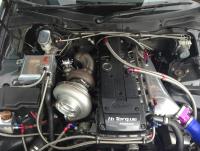
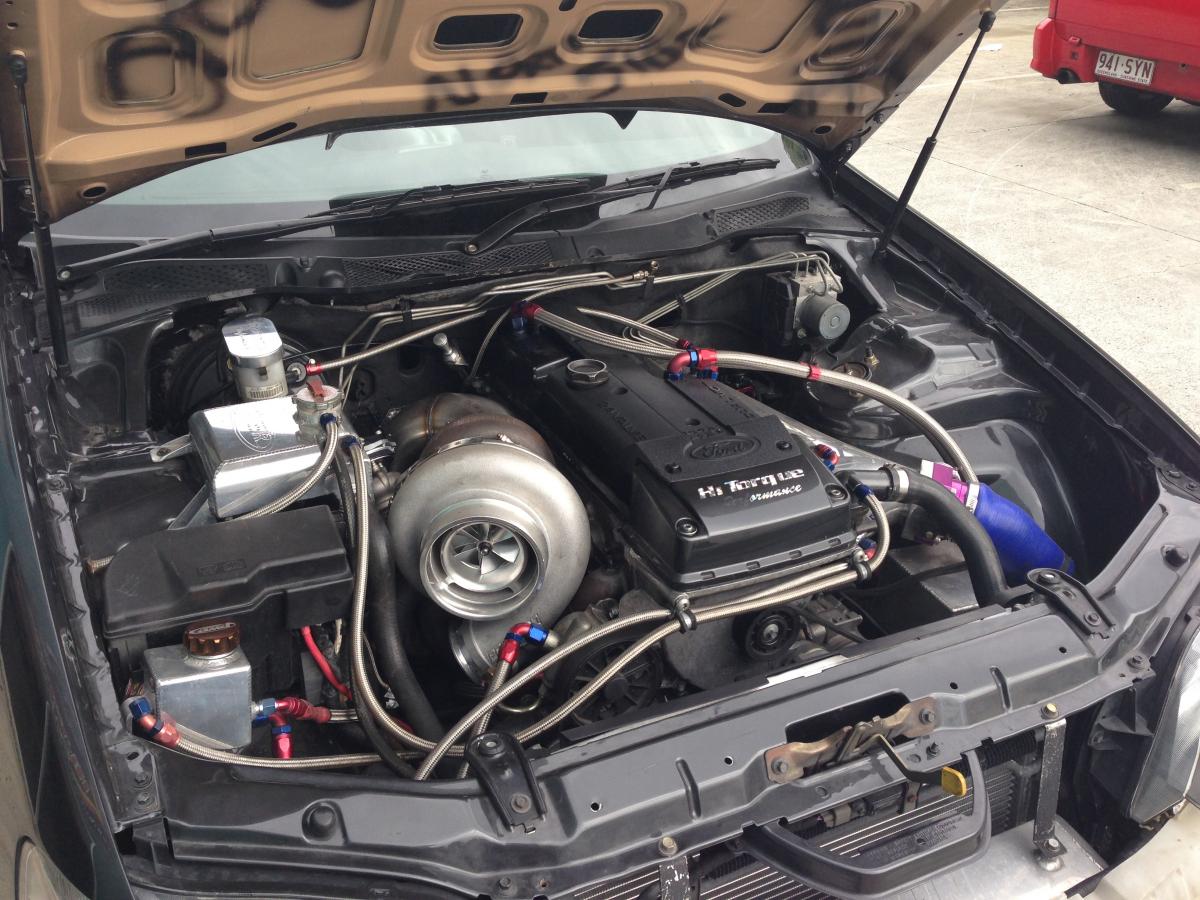
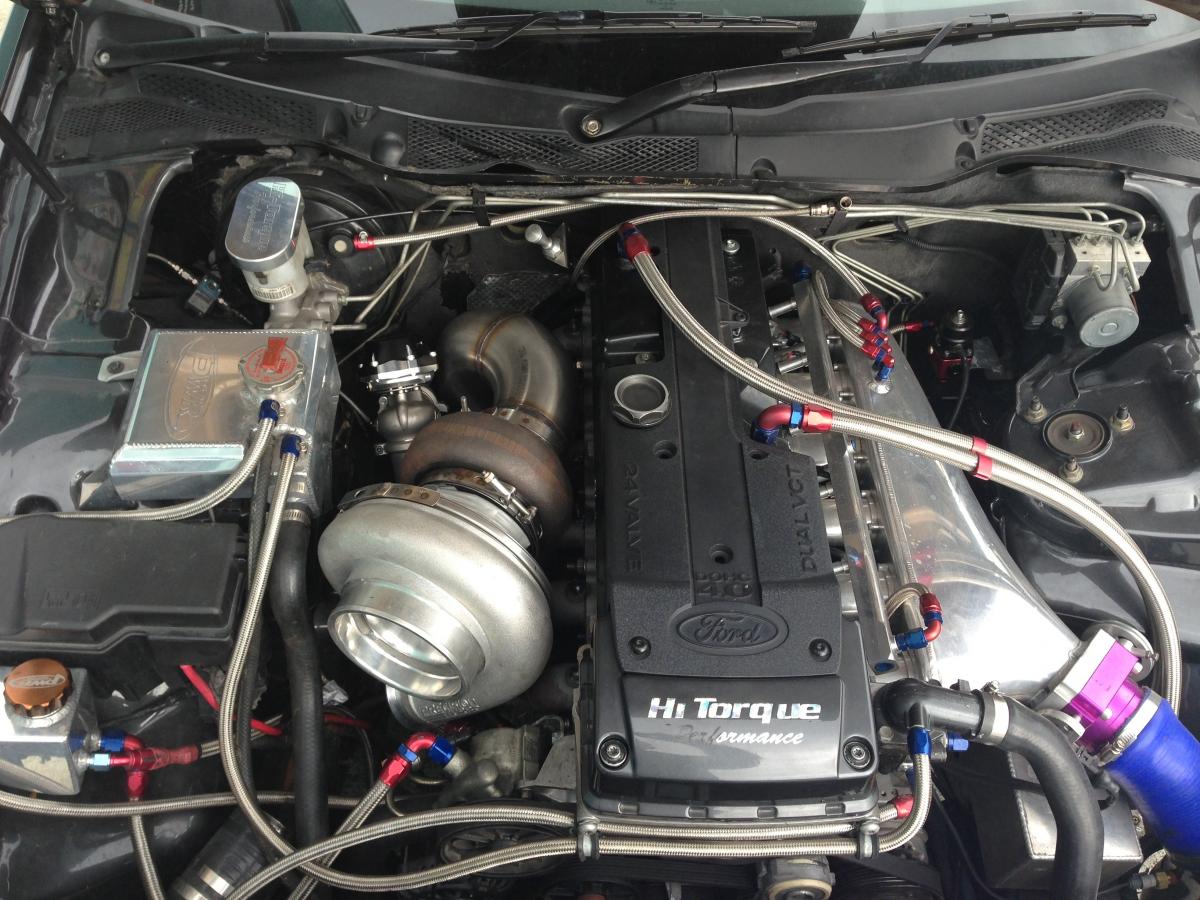
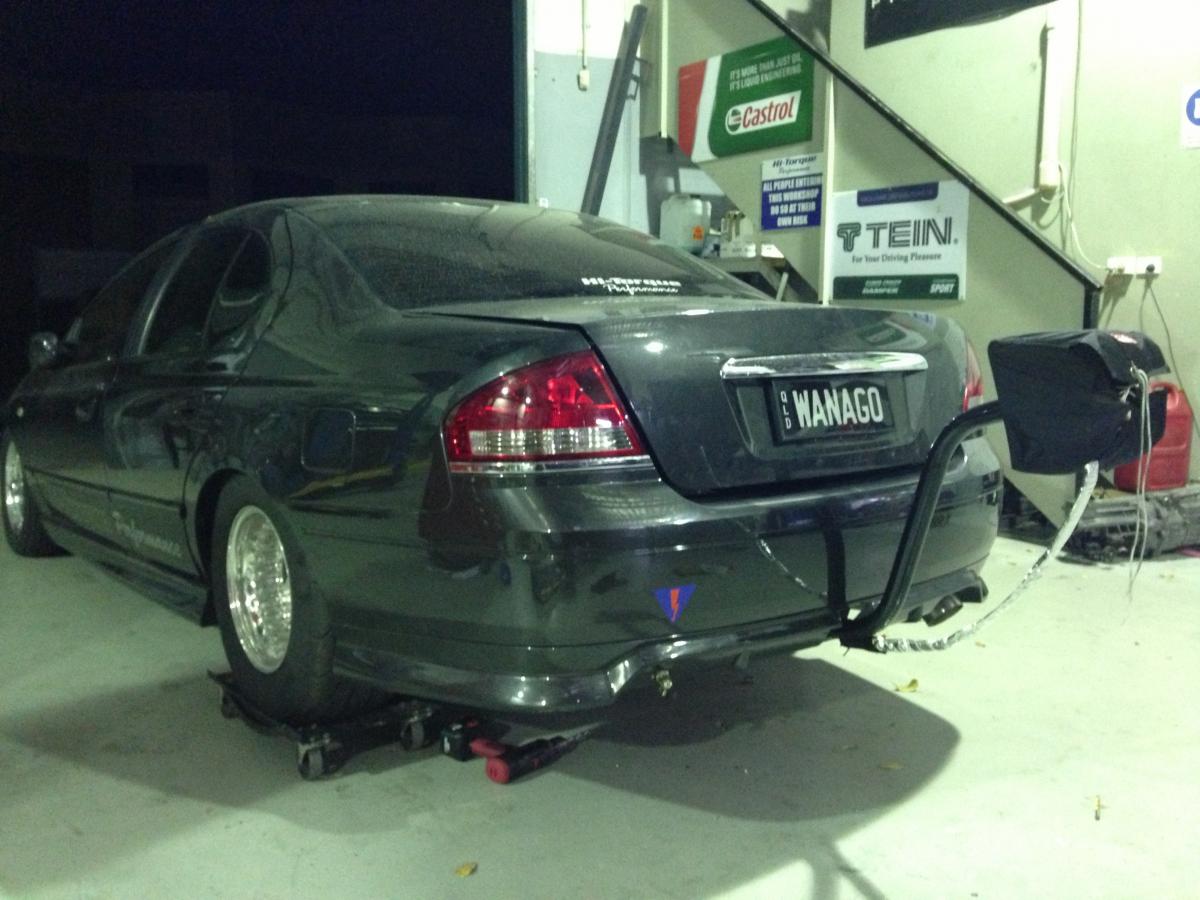
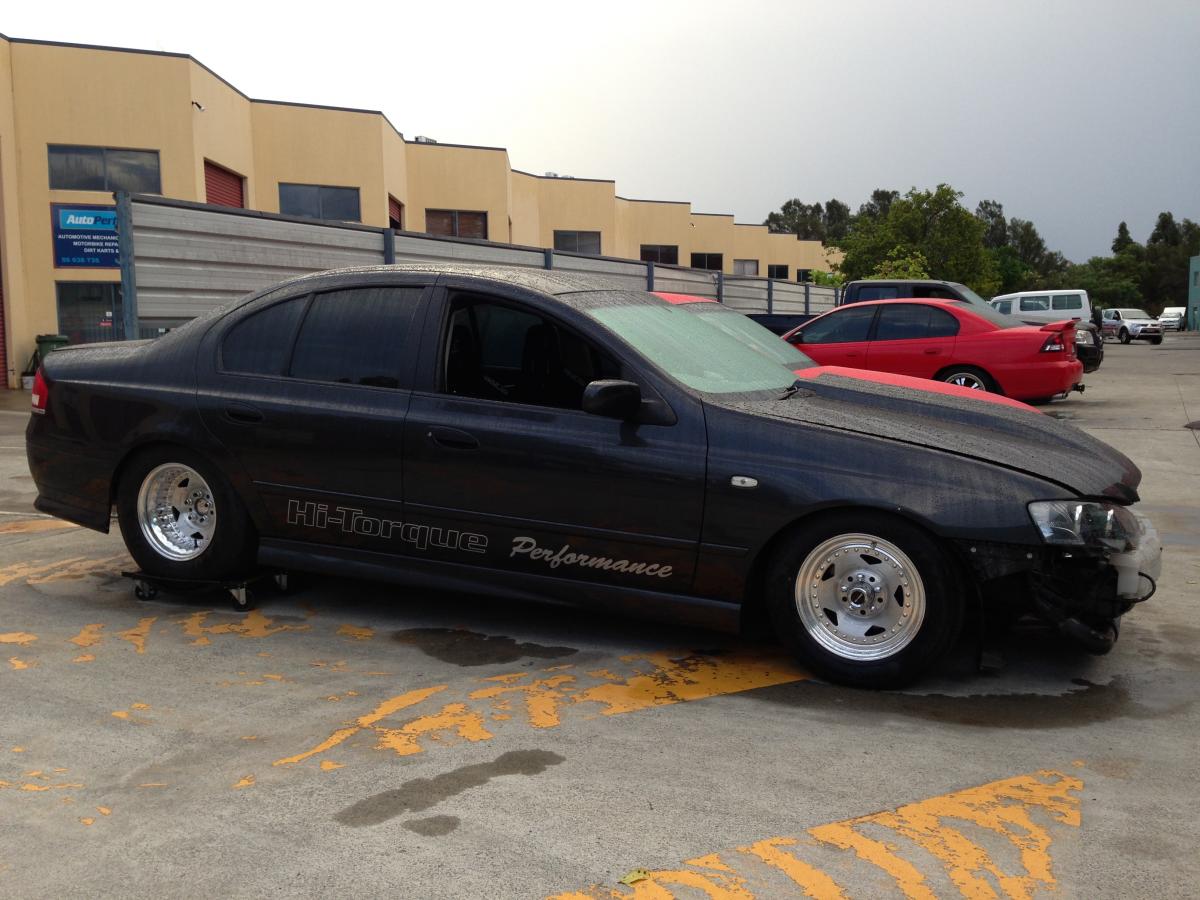
  2. PRESCION 88mm, new Turbosmart Progate, and new dump pipe and exhaust manifold, thankx to TAS PERFORMANCE in Towoomba.. Done an amazing job. ?
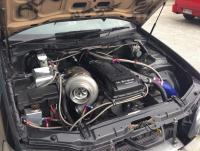
  3. Just some more updates, new Precsion 88mm and manifold, with new dump and waste gate..
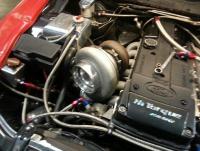
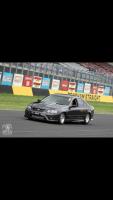
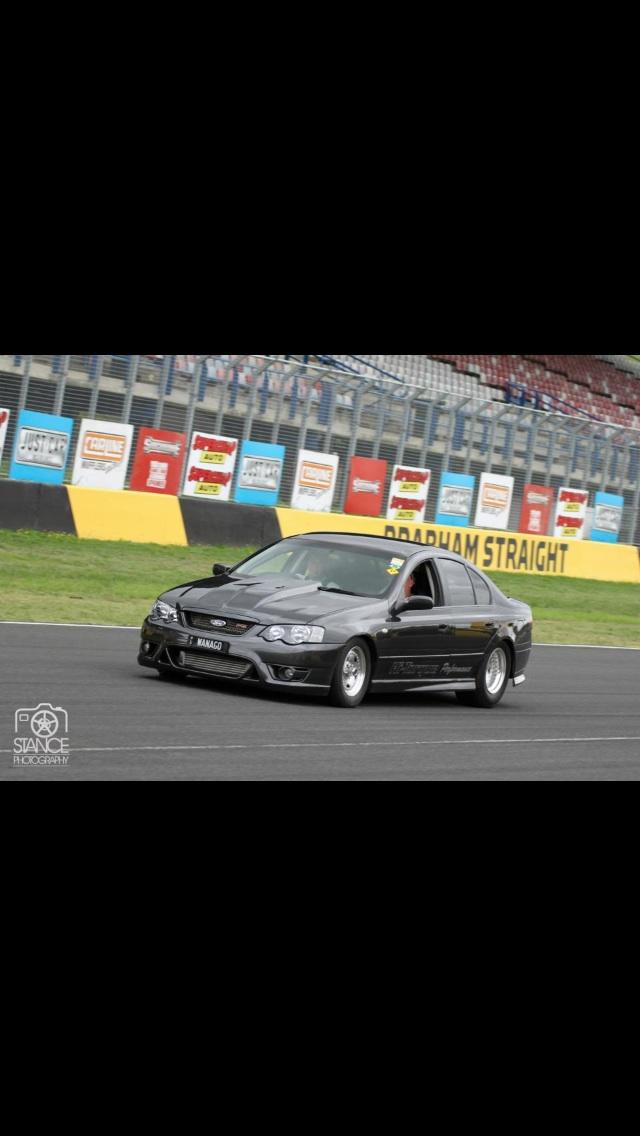
  4. Sydney POWERCRUISE front straight
  5. Good job mate.. Solid effort
  6. Thankx Spiro, not really chasing any records as such, just wanna have fun in it. Michael, sold it already mate
  7. U buy harness too??? Thankx for coping
  8. ahh well see what happens this week..
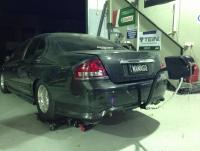
  9. next week all be finished.. running for HI TORQUE PERFORMANCE Dyno day....
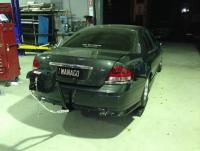
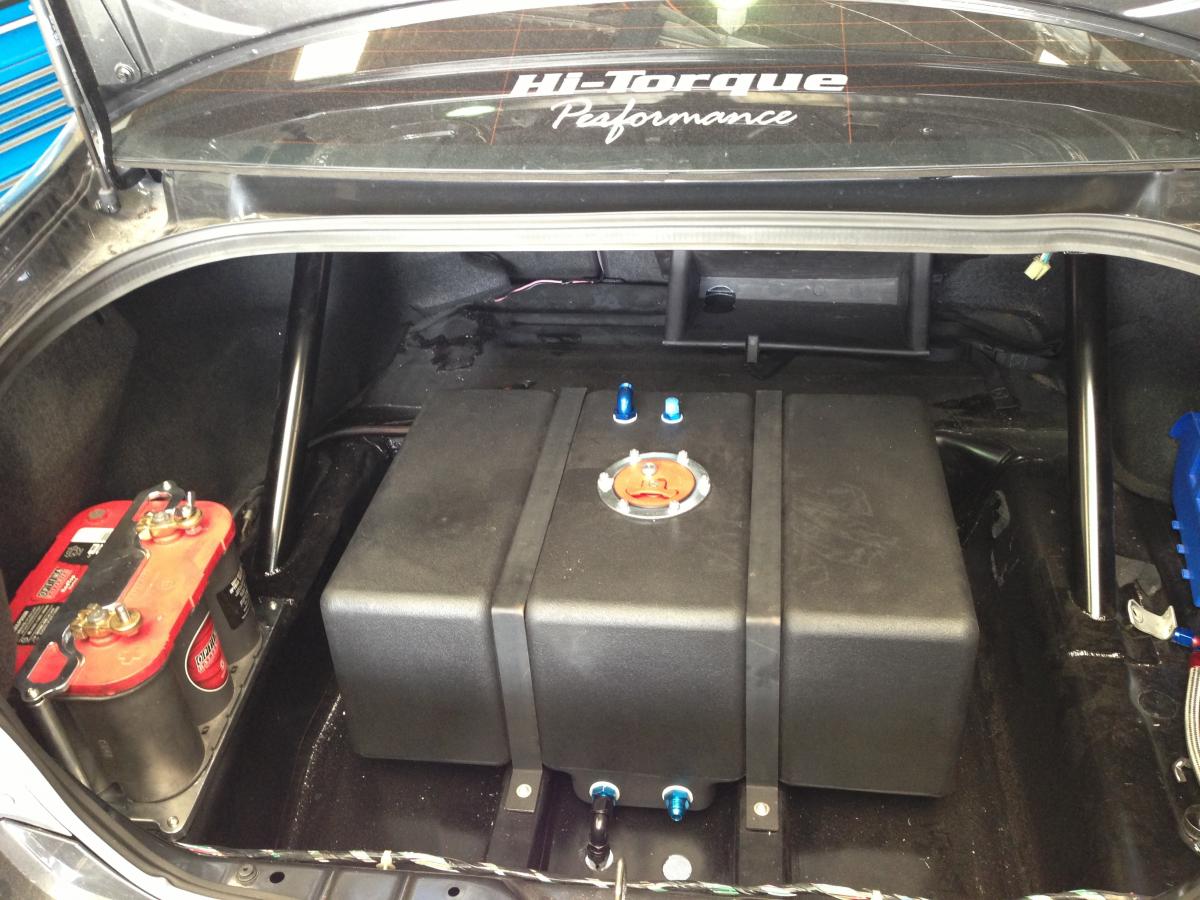
  10. Boot nearly finished off, new billet batt clamp,
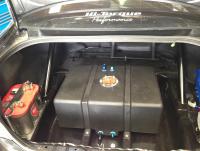
  11. Where does the bottom of The intrusion bar go to?

Account

Navigation

Search

Search

Configure browser push notifications

Chrome (Android)
  1. Tap the lock icon next to the address bar.
  2. Tap Permissions → Notifications.
  3. Adjust your preference.
Chrome (Desktop)
  1. Click the padlock icon in the address bar.
  2. Select Site settings.
  3. Find Notifications and adjust your preference.