CJF077
Administrator
-
Joined
-
Last visited
Everything posted by CJF077
-
-
-
-
-
-
-
-
I am a bit annoyed that the iPhone does not work with it.. whether it is a iPhone issue or a Ford Bluetooth issue (think its more iPhone).. Have to wait till one is upgraded to fix it..
-
I am interested to know too.. have ordered my F6 and would like to possibly add a bit more bass into the setup.. will be interesting to see what can be done..
-
What do you think the timeslip size should be? I will adjust it accordingly. Cheers
-
That looks very nice.. love the classy look! Looks great!
-
Please post the two images here for me to investigate.
-
What did it cost you?
-
Try again now. Have adjusted the maximum image size to be 600x800.
-
Haha no it hasn't.. just been put in place to provide timely support to our members and so we know who is working on it so we do not double up on work!
-
I presume your talking about the timeslip? I will see what I can do.
-
Avatar issue fixed for donating members 150x150.
-
New Features Launched: More Info: New Features Launched
-
It can't be done otherwise we would have done it.. as the forums are created dynamically from the control panel, there is no way to set an icon per forum.. i wish there was but there isn't! BA/BF Added to the header replacing the FG XR6 Turbo on the right..
-
If I can sell it privately I will.. other wise it will be traded in.. Have it listed in the For Sale section as well as on CarSales. http://www.fordxr6turbo.com/forum/index.php?showtopic=47487
-
Guys, I believe we have managed to fix the slowdown issues and problems with the database. The server has also been tuned for running a sizable database such as ours. If you do have any issues with slowness please post here. As for the colour scheme, FordXR6Turbo.com sunglasses will be on sale soon in the merchandise section
-
Everyone seems to think its white.. its a very light grey.. i will look at making it one or two shades darker...
-
Some cleanup was done with the db last night, repairing over 650,000 tables. I also had invisionboard support looking into it. Please note in this thread the times and URL accessing if you are noticing any sort of slowdown on the site. As far as I am concerned the server and database are capable of running at least 5 times the site as it stands today without any problems. I will continue to monitor the site with the engineers and let you know the outcome. Until then some of the new features are on hold, as I do not want to increase db load whilst people check them out and start to utilise them. Cheers Chris
-
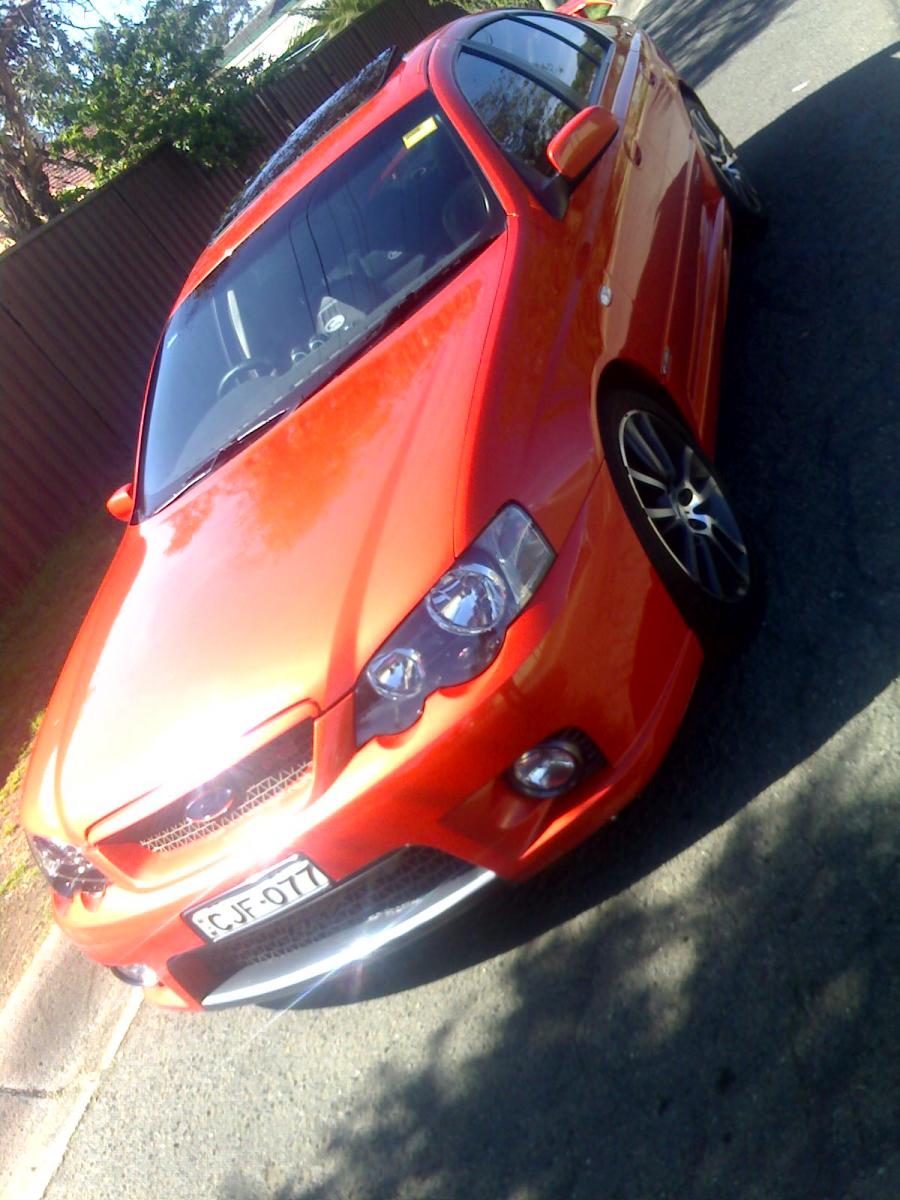
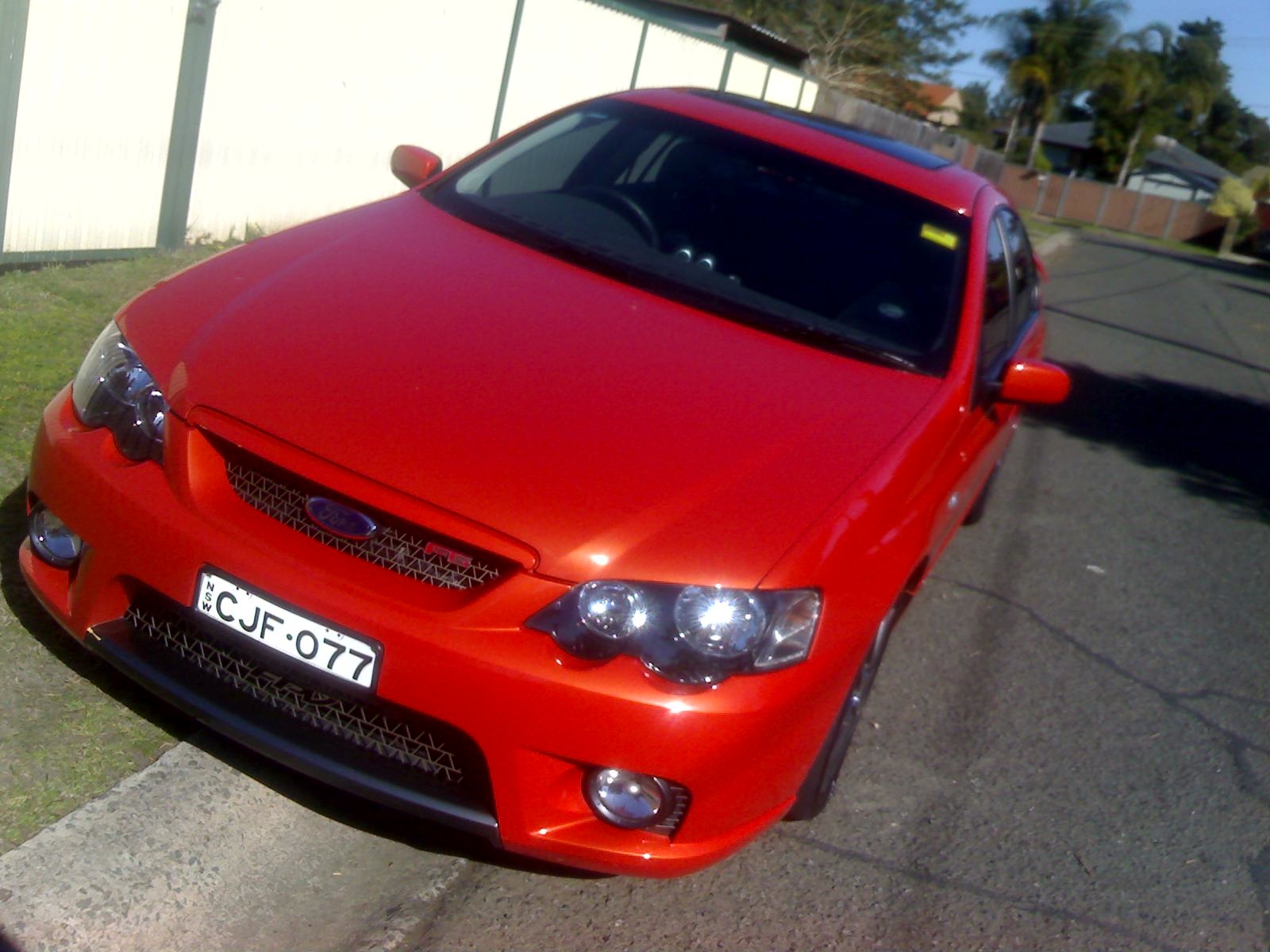
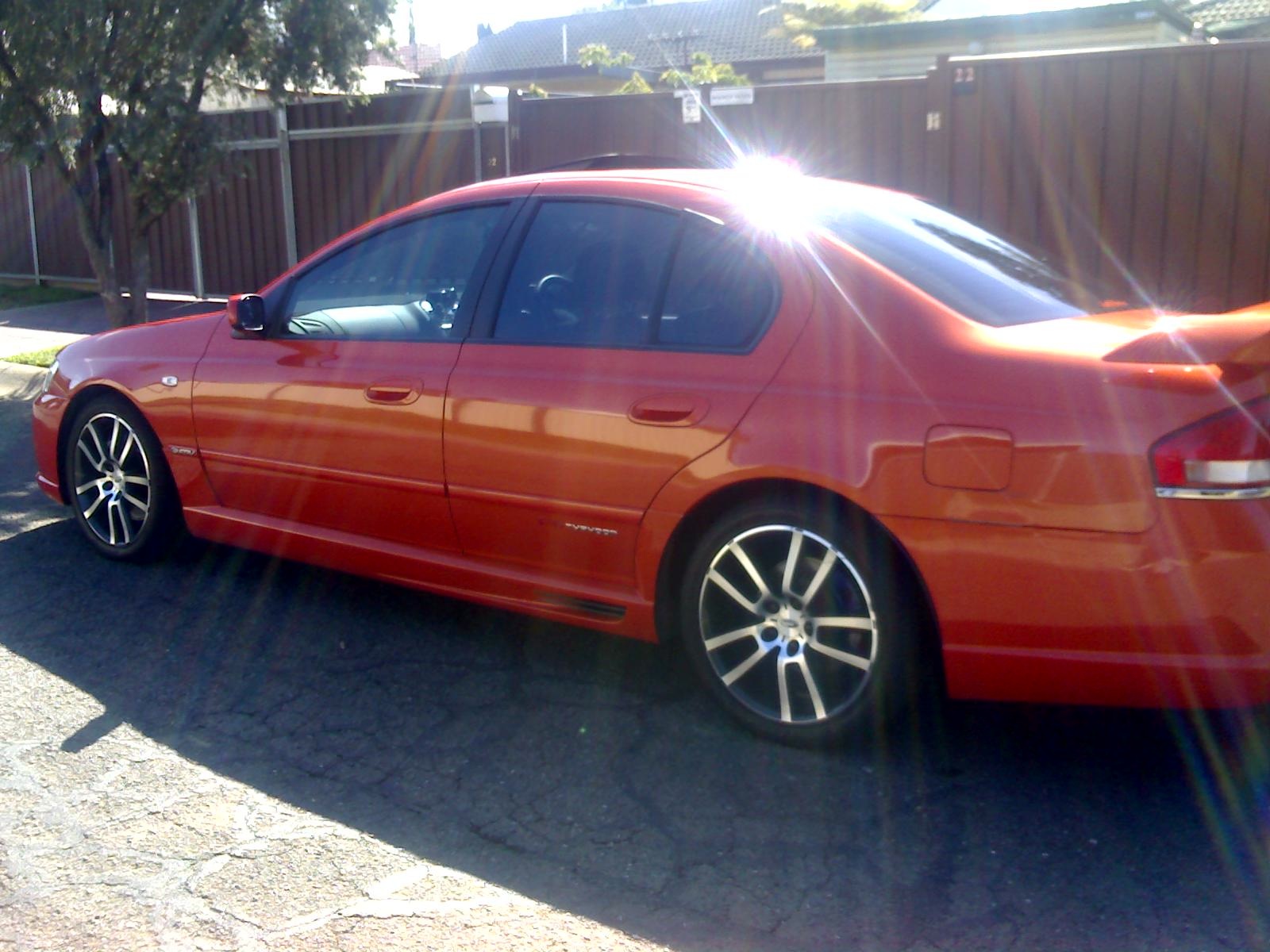
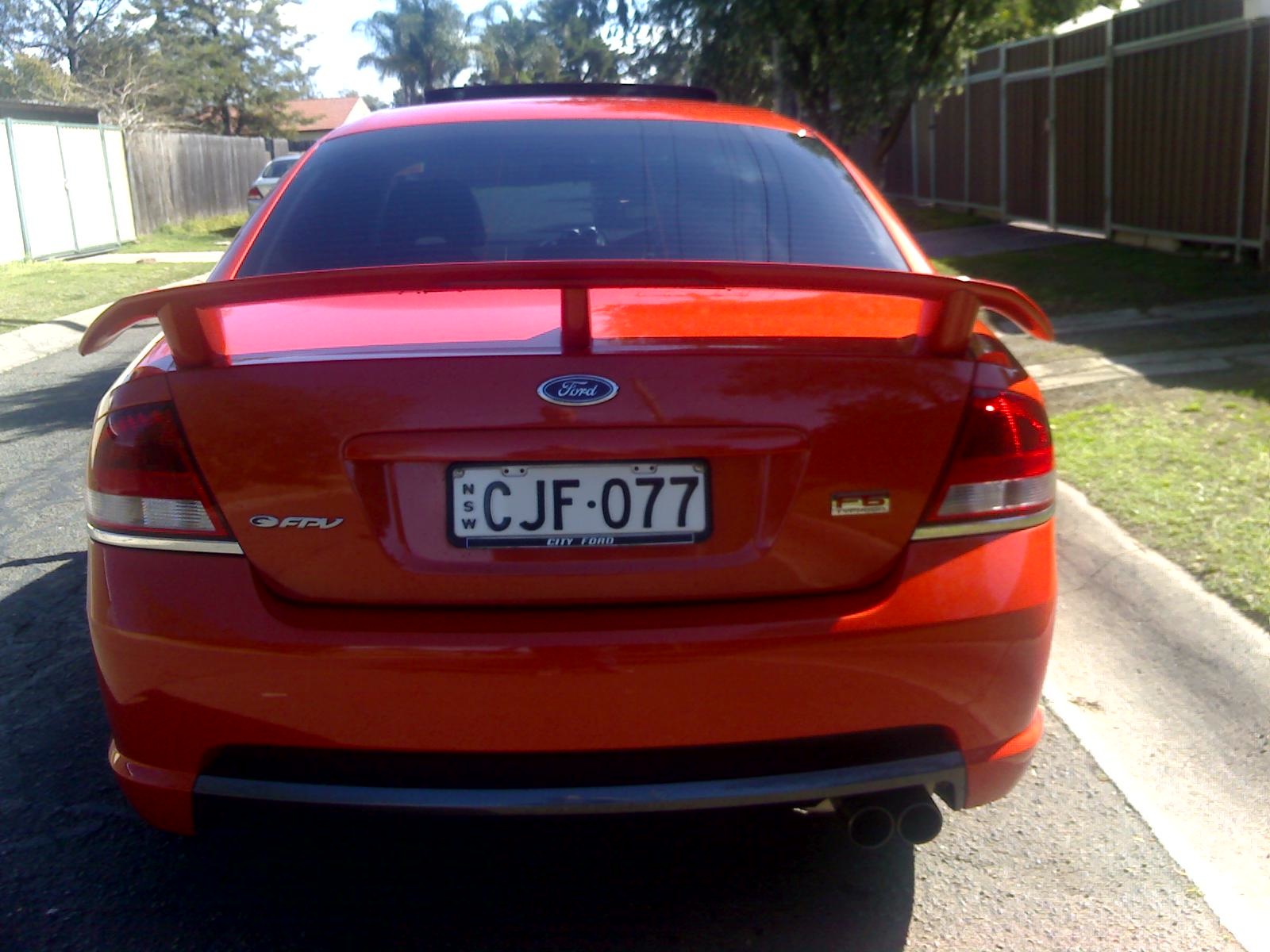
From the album: CJF077
-
CPU is getting to 90%+ of 8 CPU's due to this site's MySQL Database. I have asked some engineers to look into it and hopefully this will be rectified soon.. It is starting to annoy me too, as i had planned to get all the other modifications installed..