Skip to content
View in the app

A better way to browse. Learn more.

Ford XR6 Turbo.com

A full-screen app on your home screen with push notifications, badges and more.

To install this app on iOS and iPadOS
  1. Tap the Share icon in Safari
  2. Scroll the menu and tap Add to Home Screen.
  3. Tap Add in the top-right corner.
To install this app on Android
  1. Tap the 3-dot menu (⋮) in the top-right corner of the browser.
  2. Tap Add to Home screen or Install app.
  3. Confirm by tapping Install.

mopar666

New Member
  • Joined

  • Last visited

Everything posted by mopar666

  1. Whoops I mean owners
  2. Im keen to get to know some xr6t in chch
  3. Hi from New Zealand .build number 85 45000km .only 10 force 6s brought to New Zealand this was the 2nd to last sold on 01/08.
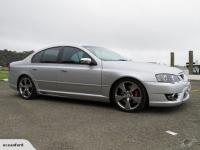
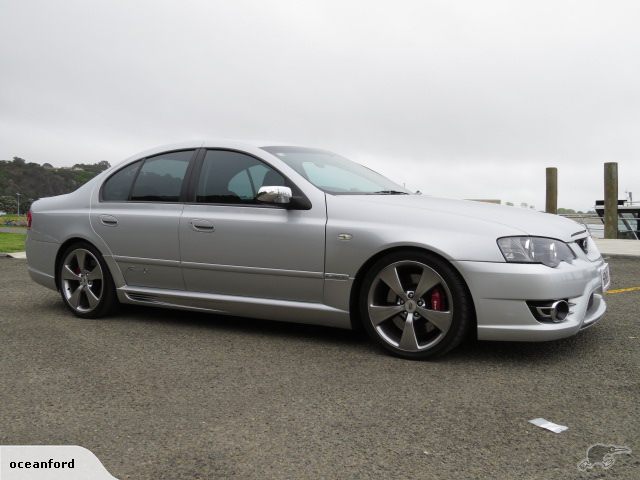
  4. Hi here is the car ,got it from ocean ford for 28000 .build number 85 .only 10 force 6s brought to New Zealand this was the 2nd to last sold on 01/08.
  5. Hi who tuned your car in christchurch .im in chch as well. have the same injecters with no troubles nzefi did my car .
  6. Hi there,im new to this forum as well in Christchurch & have just brought a bf mk2 from Auckland.still factory but not for long!. ,would be good to get to know some more Kiwis on here.

Account

Navigation

Search

Search

Configure browser push notifications

Chrome (Android)
  1. Tap the lock icon next to the address bar.
  2. Tap Permissions → Notifications.
  3. Adjust your preference.
Chrome (Desktop)
  1. Click the padlock icon in the address bar.
  2. Select Site settings.
  3. Find Notifications and adjust your preference.