Skip to content
View in the app

A better way to browse. Learn more.

Ford XR6 Turbo.com

A full-screen app on your home screen with push notifications, badges and more.

To install this app on iOS and iPadOS
  1. Tap the Share icon in Safari
  2. Scroll the menu and tap Add to Home Screen.
  3. Tap Add in the top-right corner.
To install this app on Android
  1. Tap the 3-dot menu (⋮) in the top-right corner of the browser.
  2. Tap Add to Home screen or Install app.
  3. Confirm by tapping Install.

Davecdp

Member
  • Joined

  • Last visited

  1. James Morrison is a legend but he hasn't been able to get the show going any better and the comedy still sux.
  2. I had the light comming on aswell it was refering to the stability control because the steering rack sensor was faulty. It ended up being fixed under warranty.
  3. I drive a greay car and have a lot of blue in the wardrobe.........looks like I'm off to the psych to sort me out!
  4. I reckon Ego is still the best. Looks stylish while cruising the cafes yet still a tough sporty look.
  5. Davecdp replied to a post in a topic in XR6 Turbo
    Looks good Stew, welcome.
  6. These are very nice cars, I'm jelous
  7. Davecdp replied to Space Ace's topic in G6E Turbo
    Ego is arguably the best colour Ford have produced
  8. DC

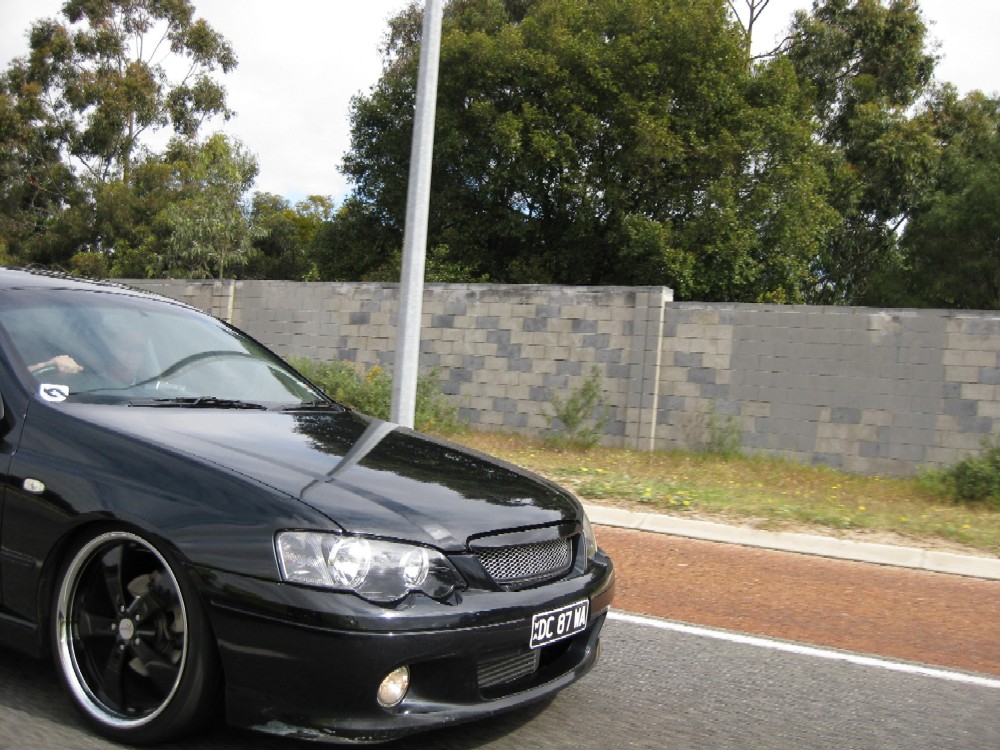
    Davecdp commented on sixappeal's gallery image in Members Gallery
  9. Senna, i need a hi flow cat, can you add me to the list please
  10. yes i need a hi flow cat, Ghosti put me on your list......
Account

Navigation

Search

Search

Configure browser push notifications

Chrome (Android)
  1. Tap the lock icon next to the address bar.
  2. Tap Permissions → Notifications.
  3. Adjust your preference.
Chrome (Desktop)
  1. Click the padlock icon in the address bar.
  2. Select Site settings.
  3. Find Notifications and adjust your preference.