Skip to content
View in the app

A better way to browse. Learn more.

Ford XR6 Turbo.com

A full-screen app on your home screen with push notifications, badges and more.

To install this app on iOS and iPadOS
  1. Tap the Share icon in Safari
  2. Scroll the menu and tap Add to Home Screen.
  3. Tap Add in the top-right corner.
To install this app on Android
  1. Tap the 3-dot menu (⋮) in the top-right corner of the browser.
  2. Tap Add to Home screen or Install app.
  3. Confirm by tapping Install.

Phantomxr6

Legacy Donating Member
  • Joined

  • Last visited

Everything posted by Phantomxr6

  1. hey dorko, your acting like a DORK, settle down mate.
  2. It's another way of personalising your car.
  3. Phantomxr6 replied to F663's topic in Off-Topic
    worked for me, very clever
  4. self explanitory
  5. Phantomxr6 replied to RAP1D's topic in Member Rides & Builds
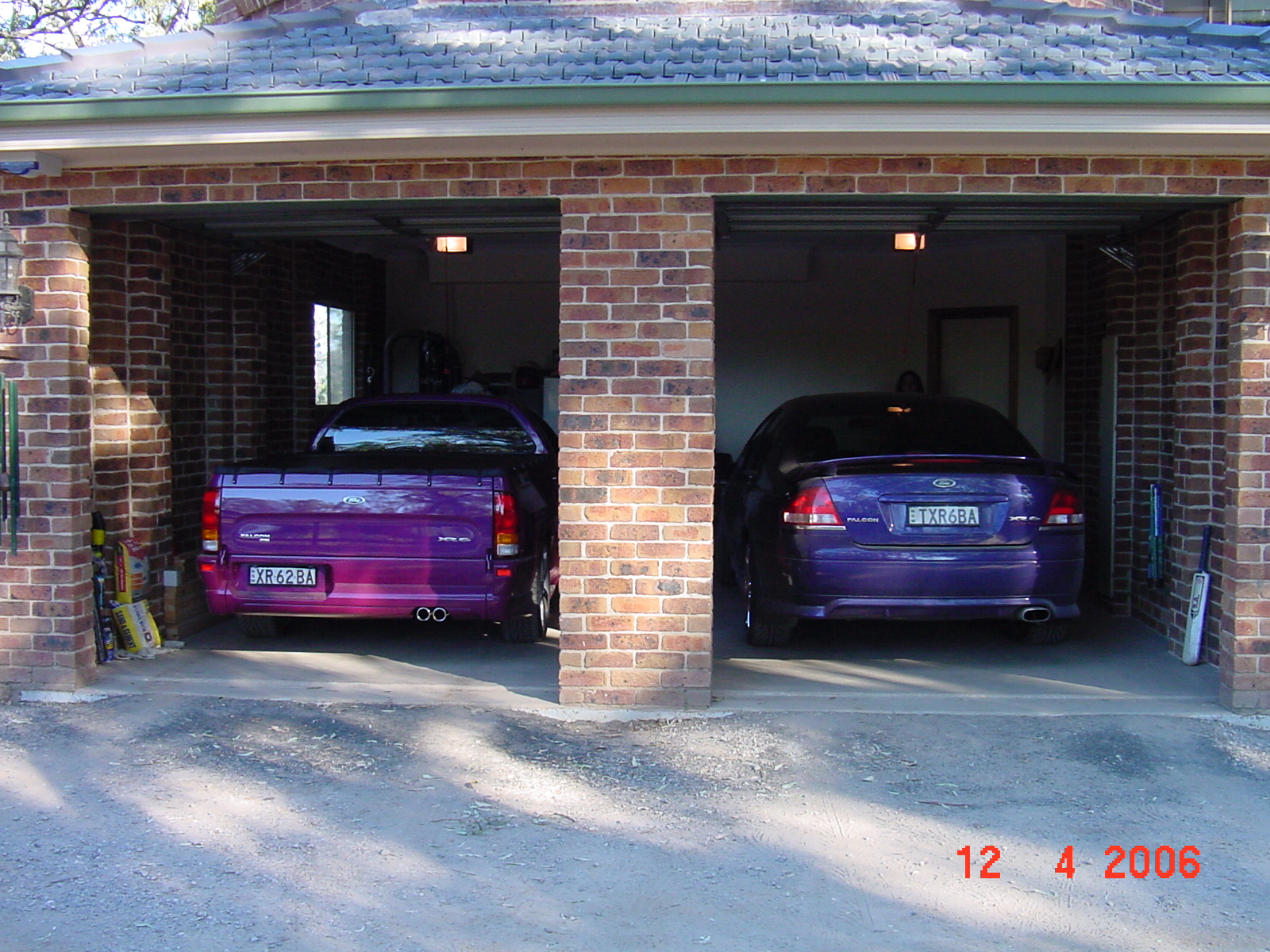
    my girls
  6. nice one
  7. were did you guys buy these guages?
  8. what he said, happened to me last week.
  9. Hope you enjoy the site, it's very informative most of the time & a laught all of the time, some great characters on here.
  10. Phantomxr6 replied to silver ghost's topic in Brakes
    Brembos from Simon @ nizpro approx 3 grand.
  11. Phantomxr6 replied to PIT STOP's topic in Off-Topic
    Me too
  12. I watched on DVD last night, will have to go to see it on the big screen now, top movie.
  13. So fitting the wog cooler does not muck up your current tune?
  14. Looks fantastic, will you need a re-tune now?
  15. Sorry to hear about your loss, what a bunch of low life f#ckers, I'll keep an eye out in the south west, & on ebay. Steven
  16. Phantomxr6 replied to a post in a topic in Wheels and Tyres
    what sort of money are the pilot 2 Ivan?
  17. my wife saw you guys on the old hume hwy, looks like you had fun.
  18. Fock I'm dizzy now, well done
  19. So sad Rob
  20. <div class='bbimg'> </div>PHANTOM Shazzy ←
  21. where would it go?

Account

Navigation

Search

Search

Configure browser push notifications

Chrome (Android)
  1. Tap the lock icon next to the address bar.
  2. Tap Permissions → Notifications.
  3. Adjust your preference.
Chrome (Desktop)
  1. Click the padlock icon in the address bar.
  2. Select Site settings.
  3. Find Notifications and adjust your preference.