BigSpool
Member
-
Joined
-
Last visited
Everything posted by BigSpool
-
Ahh fe well I went the other way thoght use weri spottrd use last time
-
Were is the shell on springvale rd? Jd u there in your ute Got a friend with me same utr pushing low 12s
-
well our weakness is the launch their weakness is the top end so when you line up with a rex just hope to god they f*ck up their launch if you do good on launch you should be able to get them at top end if you arnt catching upto them at top end then you know that that's 1 f*cking quick rexi hehe
-
yeah I was on the path of process west they lead in intercoolers in all other makes aswell and money isnt the issue rather pay once properly and not do shortcuts
-
ah nice youse looked good tough on the road love the sensation blue how much power is kvbaby running the thing sounded like a jet yeah next time I see you;se cruising ill chuck a u turn hehe
-
so any of the following will do? is there any difference in quality?
-
-
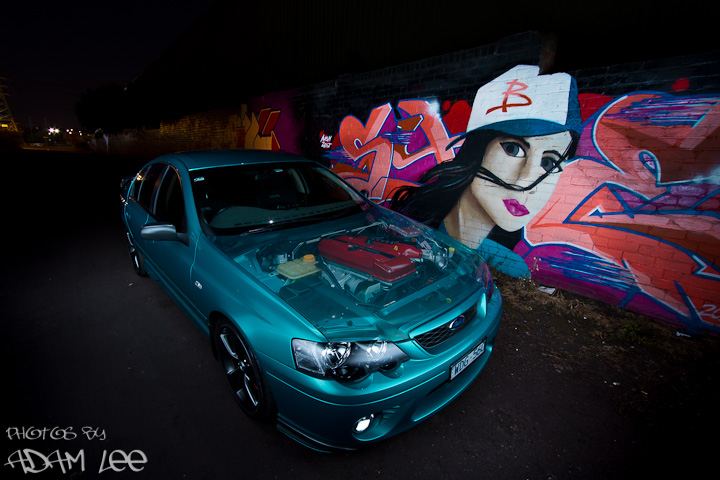
Hi guys got a xr6 bf got 250rear wheel kw but need to upgrade my intercooler will be looking to do few more mods to get my car to 350kw rear wheel which cooler should I get?
-
also I think he was with a fg ute same blue color ute looked nice aswell loved the lid but not sure if they were togther
-
spotted a blue fg on springvale road few days ago had a pitlane performance sticker has a sleeper look but when he hit the pedal sh*t was screaming sounded wicked
-
sounds good probly meet some of you;se there