-
Vic Spotted & Chat Thread
I remember this place
-
304Rwkw G6Et
That would have to be with there exhaust I would say. This will be interesting to see go down the strip with that power should do same as steves if not better.
- I Am In Finally!
- I Am In Finally!
- I Am In Finally!
- I Am In Finally!
-
I Am In Finally!
OK so I havent posted here for a lil while...... anyways I have had some more mods to my fg xrt. Previously I had 306rwk on 98 with cooler,exhaust, turbo side intake,injectors and tuned by nizpro Now I have the same as above But with e85 tune and I am pumping out 340rwk on 20psi we did make 350 on 21 psi but was droped back as tuner felt it was better there. I ran a 12.2 at 120mph on street tyres a few weeks back and I am going back to give it another shot with sicks and new power hoping for a very low 11.
-
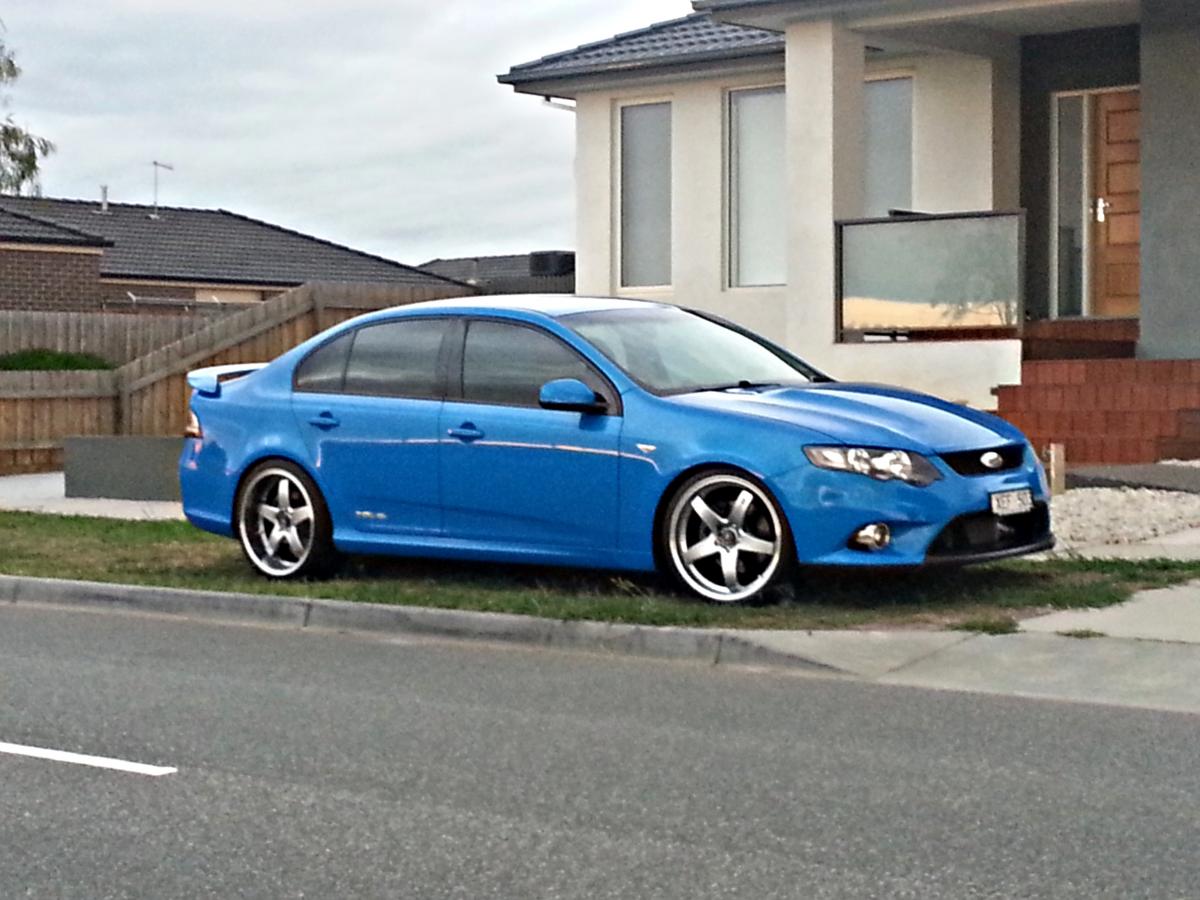
Show Everyone Your Car..
Lol trent
-
Show Everyone Your Car..
Lol sorry mate hahaha u need to go bigger 20s are where its at ;-) Yeah had to get it blended in
-
Show Your Rims: XR6 Turbo & Falcon Wheel Setups
-
Show Everyone Your Car..
- Show Everyone Your Car..
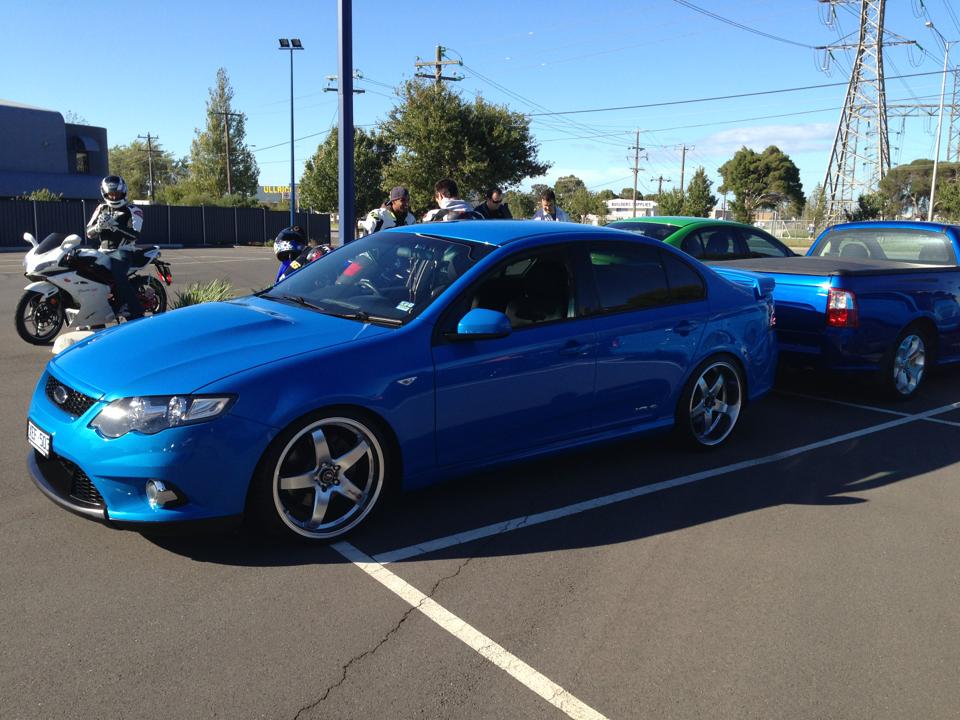
New rims- Kiwanis All Ford Day 2013 - Feb 17 - Geelong
wat time u leaving trainer- Vic Spotted & Chat Thread
Yeah I have seen that car in paki a fair bit looks nice - Show Everyone Your Car..
Account
Navigation
Search
Configure browser push notifications
Chrome (Android)
- Tap the lock icon next to the address bar.
- Tap Permissions → Notifications.
- Adjust your preference.
Chrome (Desktop)
- Click the padlock icon in the address bar.
- Select Site settings.
- Find Notifications and adjust your preference.
Safari (iOS 16.4+)
- Ensure the site is installed via Add to Home Screen.
- Open Settings App → Notifications.
- Find your app name and adjust your preference.
Safari (macOS)
- Go to Safari → Preferences.
- Click the Websites tab.
- Select Notifications in the sidebar.
- Find this website and adjust your preference.
Edge (Android)
- Tap the lock icon next to the address bar.
- Tap Permissions.
- Find Notifications and adjust your preference.
Edge (Desktop)
- Click the padlock icon in the address bar.
- Click Permissions for this site.
- Find Notifications and adjust your preference.
Firefox (Android)
- Go to Settings → Site permissions.
- Tap Notifications.
- Find this site in the list and adjust your preference.
Firefox (Desktop)
- Open Firefox Settings.
- Search for Notifications.
- Find this site in the list and adjust your preference.