FletcherH
New Member
-
Joined
-
Last visited
-
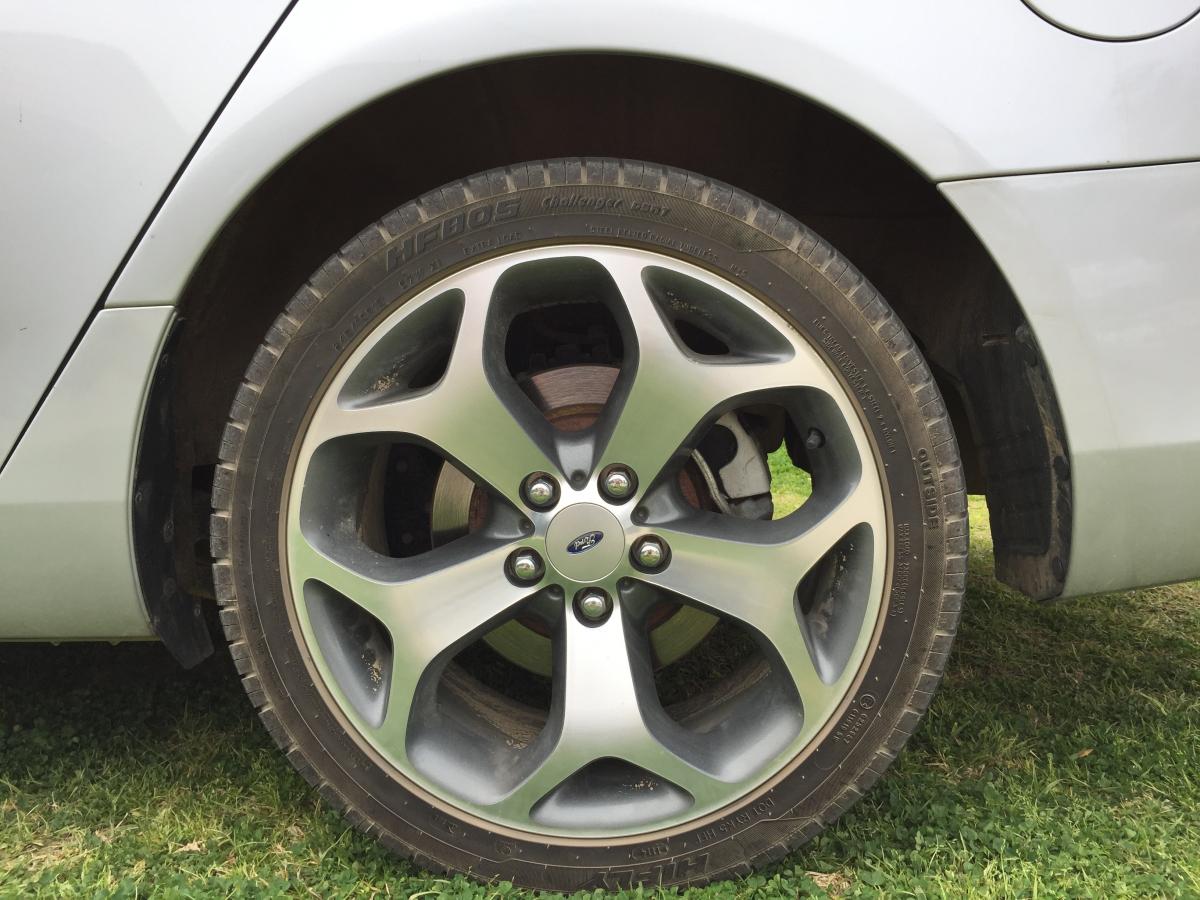
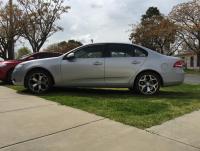
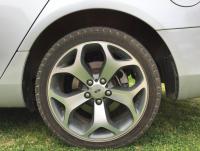
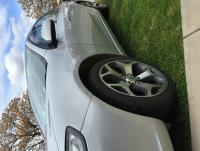
sorry for the severe lack of posts but haven't done much till now. recently got a set of 18'' 50th anniversary fg xr6 rims! also finally got rid of these infernal mudflaps yesterday. next up lowering the FG. have got the springs ordered and they should be here within the week will keep yous updated when the arive
- 12 replies
-
- fg falcon
- xt
- 2008
- modifications
-
Tagged with:
-
oh I'd love to, but that's way in the future mate, im still on my red P's
- 12 replies
-
- fg falcon
- xt
- 2008
- modifications
-
Tagged with:
-
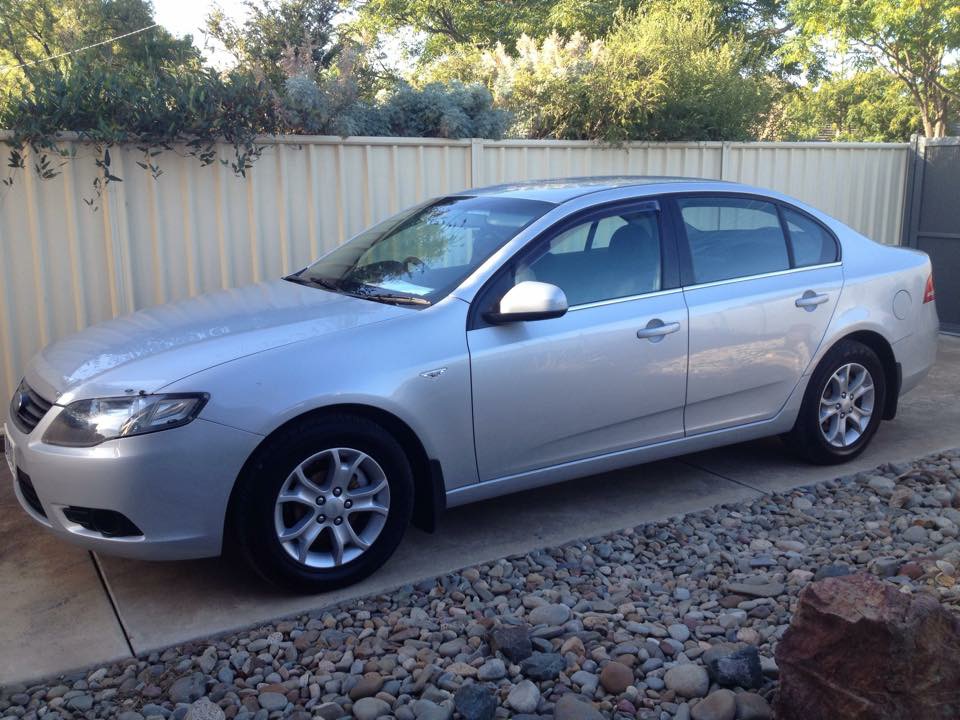
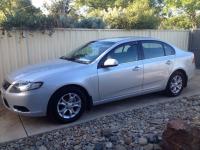
hey guys welcome to my blog on the modifying of my 2008 FG falcon XT. this car was a recent purchase for me and is my first car. I have a lot on the list of things I would like to do, like swapping the XT interior for the better XR interior, lowering springs, tinting the windows and so fourth. I hope you will have fun following along with me on this story as I will be having working on it. if you have any suggestion or have ideas on how I could do things better feel free to comment. thanks!
- 12 replies
-
- fg falcon
- xt
- 2008
- modifications
-
Tagged with:
-