peeeches
New Member
-
Joined
-
Last visited
Everything posted by peeeches
-
shes sitting on 17 psi
-
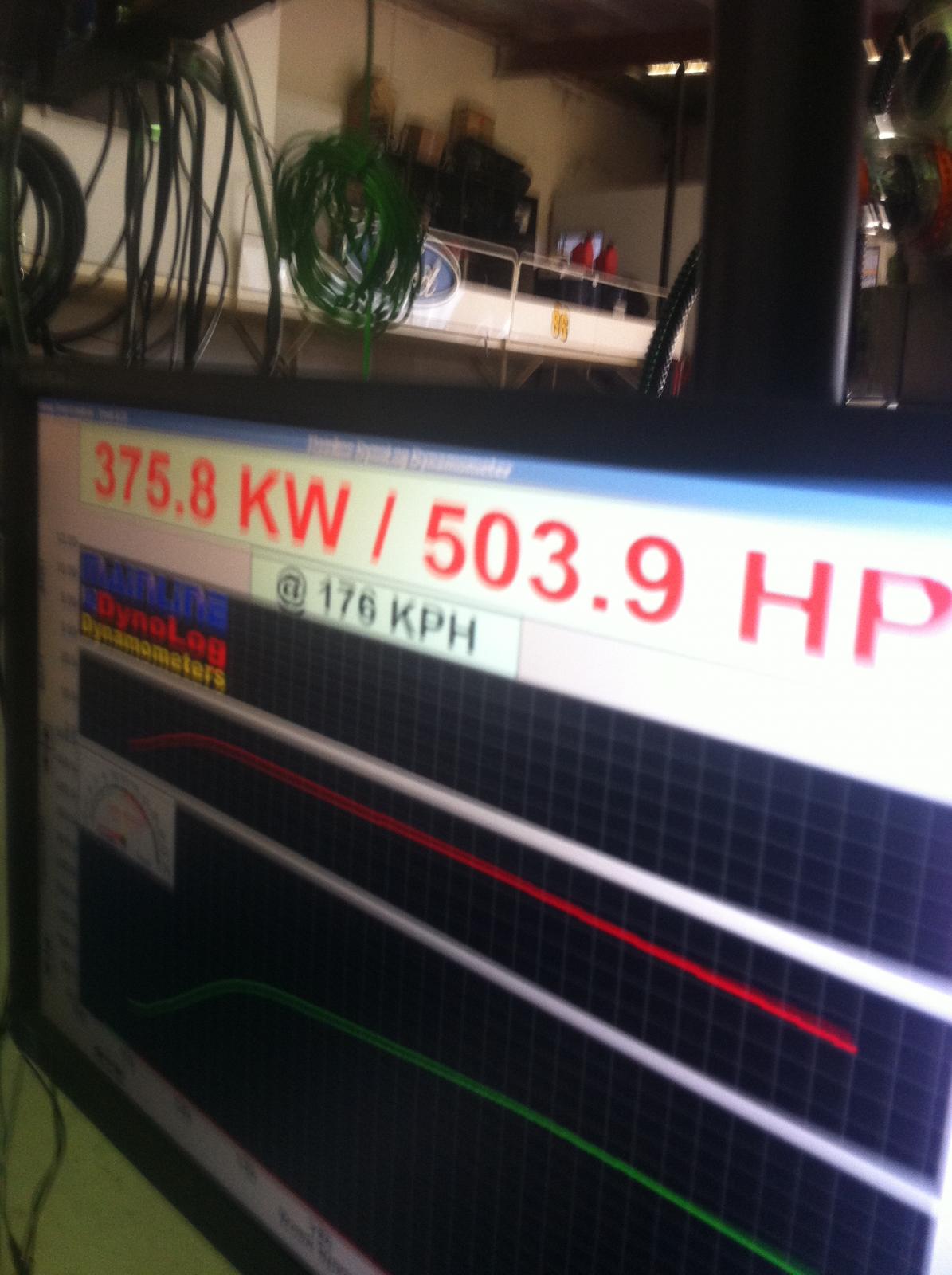
my bf made 375 rwkw on thursday tuned by dion at dyno-mite mods are xforce 4 inch into 2 x 2.5" rapid cooler stock hot side plazmaman plenum surge tank 044 and walbro intank siemens 60lbs ported turbo housing crow valve springs and retainers


-
the instructions I got said locate the thin pink wire and strip some off and join with the relay not exact wording
-
thanks again guys got it all working cheers
-
right thanks mate ill go try it out
-
hey guys I have recently purchased a Plazmaman surge tank and loom and have followed the instructions but I cannot get the pump working :( I know there have been a few topics on which wire to trigger from and they all say the small pink one. but my small pink one isn't triggering the relay it gives 0 volts under all situations so just wondering if anyone has had any dramas with their install. the instructions also don't have this wire pictured... I have also checked the fatter pink one with the multimeter and this doesn't seem like an option cheers
-
-
-